AI image generation
How AI Image Generators Work: A Practical Beginner’s Guide for 2026
A clear, practical explanation of image generation—from noise and prompts to review, editing, copyright, and responsible publishing.
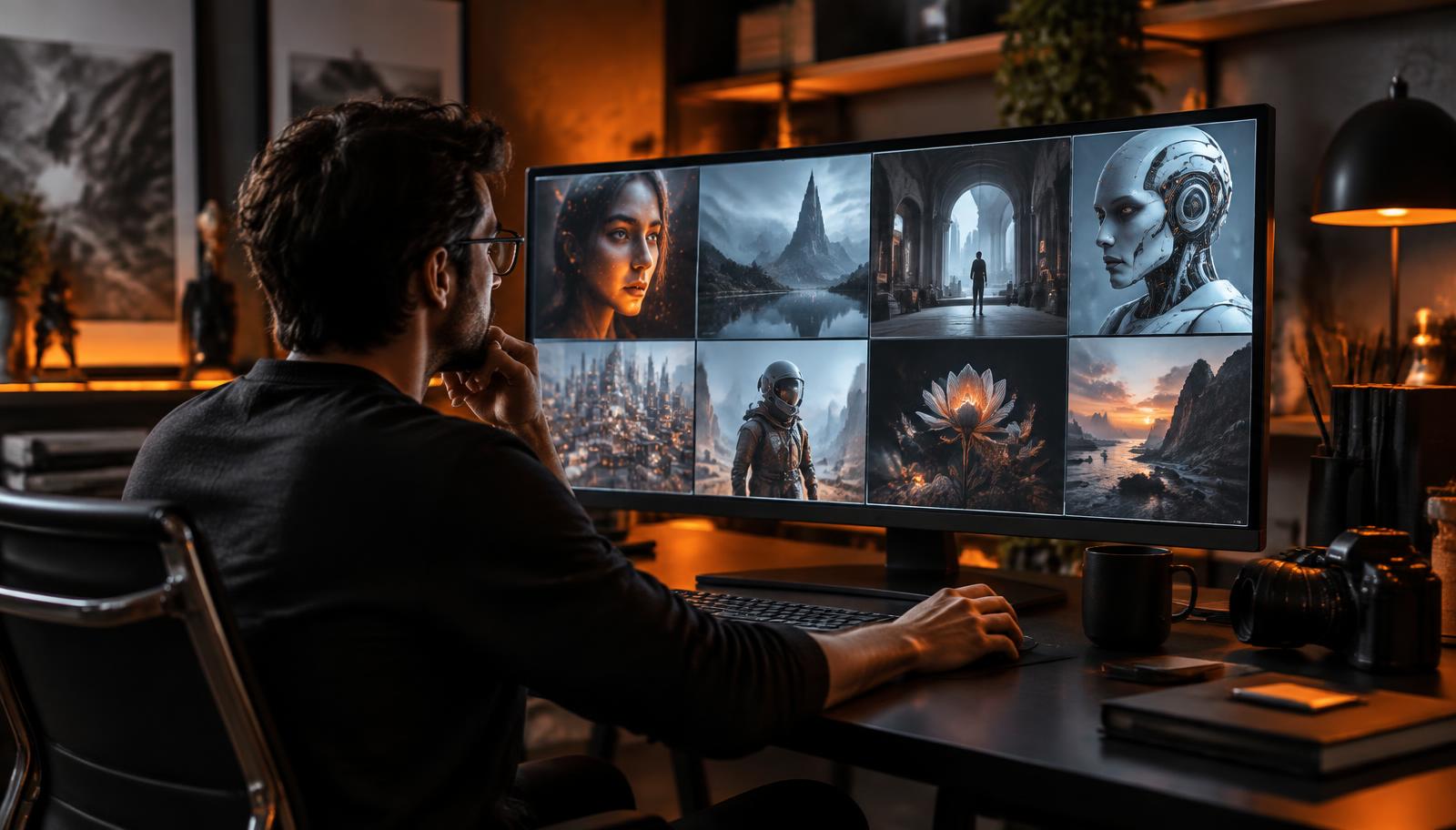
Key takeaways
- •An AI image generator predicts visual information from patterns learned during training; it does not search a hidden image library and paste a result together.
- •Strong prompts describe the subject, setting, composition, lighting, medium, and constraints without becoming a list of conflicting adjectives.
- •The first output is a draft. Reliable workflows compare variations, inspect details, edit deliberately, and keep records of source material and decisions.
- •Human creative choices remain important. In the United States, copyright analysis focuses on which expressive elements were determined by a person.
- •Responsible publishing includes consent, disclosure where context demands it, provenance records, and extra review for people, news, health, or public events.
What is an AI image generator?
An AI image generator is software that turns instructions—usually text, an image, or both—into new visual output. A person might ask for a documentary-style photograph of a solar-powered school, a flat product illustration, or a cinematic landscape. The system interprets that request and produces pixels that statistically fit the instruction.
That simple interface hides a complex process. Modern systems are trained on large collections of image-and-text relationships. During training, a model learns patterns associated with objects, materials, colors, lighting, visual styles, and language. It does not understand a mountain or a camera in the human sense. It learns numerical relationships that help it predict what visual features commonly appear together.
This distinction matters because generated images are predictions, not verified records. A model can create a plausible-looking camera with impossible controls or place a landmark in the wrong city. Visual confidence is not factual accuracy. Treat every output as an unverified creative draft until a person checks it.
Different tools specialize in different tasks. Text-to-image models begin with a written prompt. Image-to-image systems transform a reference while preserving some structure. Inpainting changes a selected region. Upscalers enlarge an image and may synthesize detail. A practical workflow chooses the task first, then the model, instead of expecting one generator to solve every visual problem.
The main inputs you control
- •Text prompt: the subject, action, environment, composition, light, medium, and mood.
- •Reference image: a guide for layout, pose, color, identity, or overall visual direction.
- •Aspect ratio: the shape of the frame, such as square, portrait, landscape, or vertical video.
- •Seed and variation controls: settings that help reproduce or explore a visual direction.
- •Editing controls: masks, strength values, negative instructions, and region-specific changes.
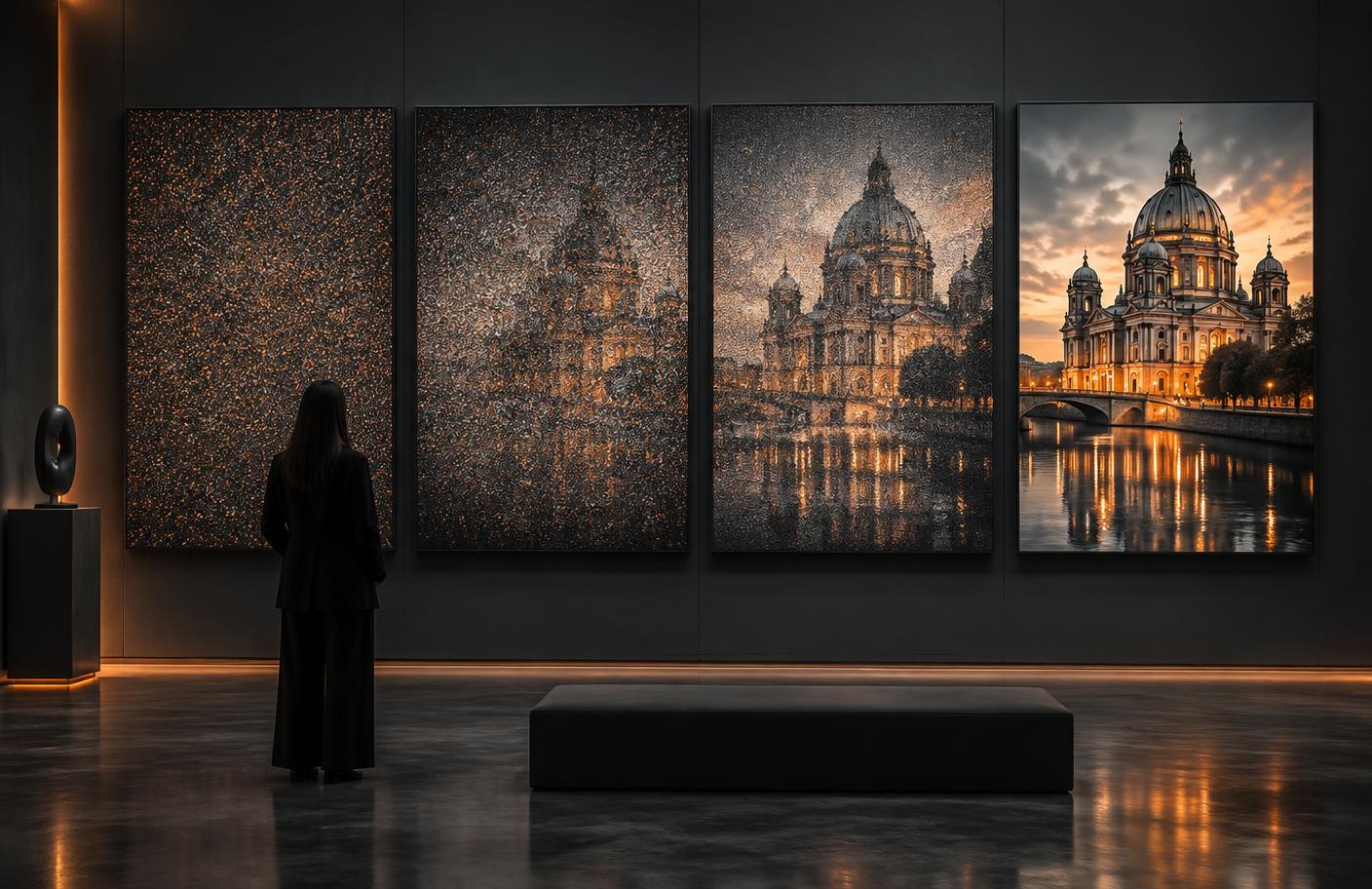
How AI image generation works, step by step
Many widely used image systems are based on diffusion. During training, clean images are gradually corrupted with noise, and the model learns how to estimate and reverse that corruption. At generation time, it begins from a noisy field and repeatedly predicts a cleaner version that better matches the prompt. After many steps, recognizable shapes, textures, and relationships emerge.
The text prompt is converted into numerical representations called embeddings. These representations guide the image process toward concepts related to the words and their context. Terms such as ‘macro photograph,’ ‘soft window light,’ and ‘shallow depth of field’ influence different aspects of the result. The model combines those signals rather than following a literal production checklist.
Some newer architectures use transformer components more heavily, and commercial products often combine several systems: a language model may rewrite the prompt, an image model may create the frame, and a safety system may inspect the request and result. The interface can therefore behave differently from the underlying base model described in a research paper.
Randomness is part of the process. Running the same prompt twice can produce different composition, faces, textures, or typography. A seed can make a run more repeatable within the same tool and settings, but it should not be treated as a permanent universal identifier. Product updates, model changes, or different platforms may alter the result.
Generation also has boundaries. Models can struggle with small text, precise counts, unusual hand-object interactions, consistent identity across many scenes, and unfamiliar factual detail. Better systems reduce these errors, but no model eliminates the need for review. A useful expectation is controlled exploration rather than one-click perfection.
How to write AI image prompts that are easier to control
A good prompt acts like a compact creative brief. Start with the most important subject and action, then establish the setting and framing. Add lighting, medium, and mood only when they serve the goal. A prompt such as ‘ceramic coffee cup on a walnut table, three-quarter product view, soft morning window light, realistic commercial photograph, clean background’ gives the model a clearer hierarchy than a pile of disconnected style words.
Specificity is useful when it describes visible decisions. ‘Eye-level medium shot’ is more actionable than ‘beautiful composition.’ ‘Overcast daylight with soft shadows’ is more concrete than ‘amazing lighting.’ If the output misses the brief, change one variable at a time. That makes it possible to learn whether the problem is framing, subject detail, model choice, or an overloaded prompt.
Avoid conflicting instructions. Asking for a minimal image packed with intricate detail, or a documentary photograph rendered as a flat vector, can pull the model in opposite directions. When a creative concept intentionally mixes styles, identify which element controls structure and which controls finish—for example, ‘documentary composition rendered as a limited-color screen print.’
Negative instructions can help with recurring problems, but they are not a substitute for a clear positive description. Use them sparingly for unwanted borders, text, logos, duplicated objects, or a type of background. Long negative lists can create unpredictable trade-offs because the model must balance many constraints at once.
Reference images are powerful and sensitive. Use material you own, have permission to use, or can lawfully rely on. Do not upload private client work, identity documents, medical imagery, or a person’s photograph without an appropriate purpose and consent. A useful output is not worth creating a privacy or trust problem.
A reusable prompt framework
- •Subject and action: what must appear, and what is happening?
- •Environment: where is the subject, and what contextual details matter?
- •Composition: close-up, wide shot, overhead, centered, asymmetrical, or negative space?
- •Lighting and color: daylight, studio softbox, high contrast, muted palette, or a named color relationship?
- •Medium and finish: editorial photo, watercolor, 3D render, screen print, or technical diagram?
- •Constraints: what must remain absent or unchanged?
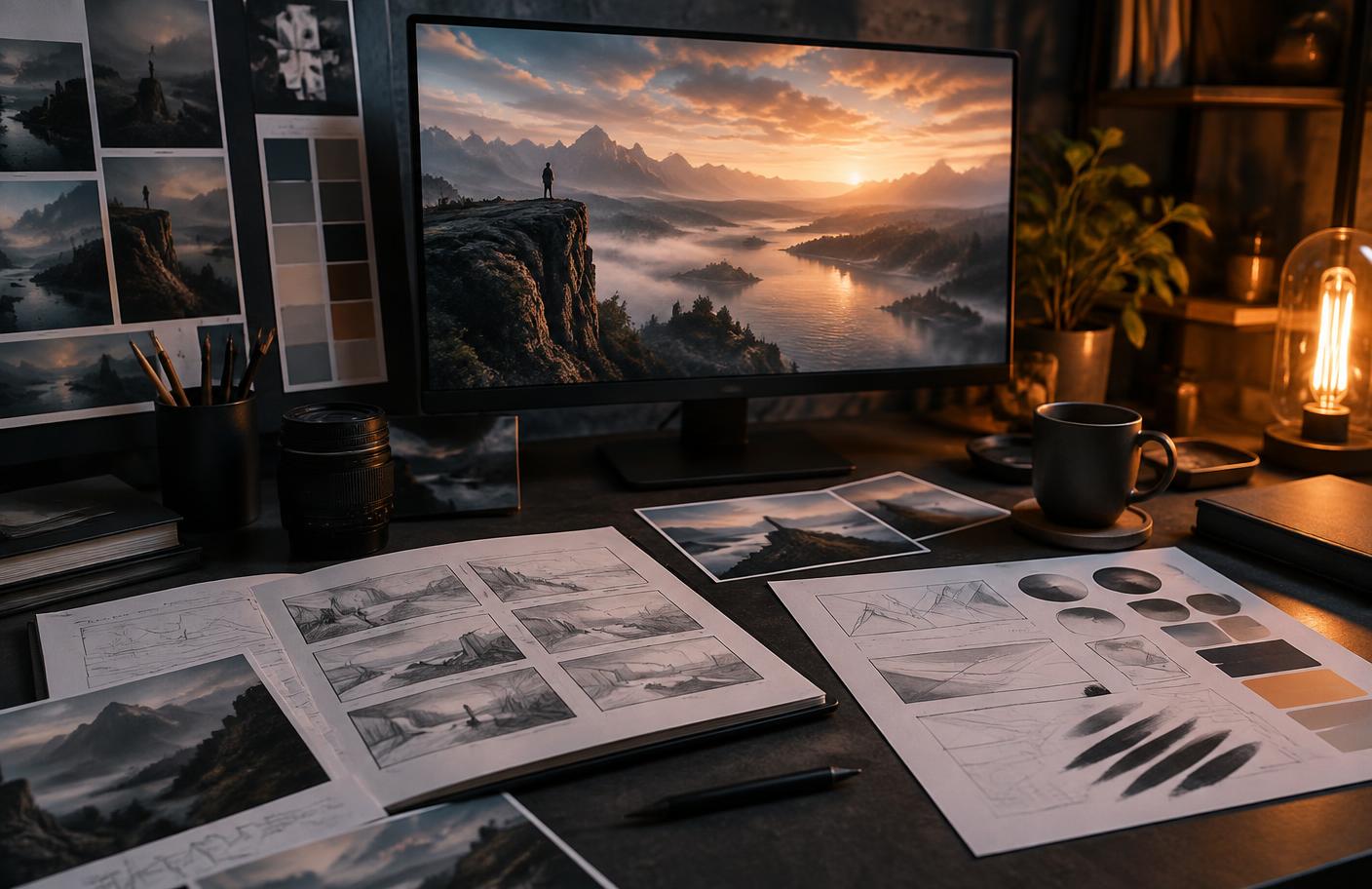
Evaluate the output before you publish
The most important skill is not writing a magical prompt. It is judging the result. Begin with the intended use: a small blog thumbnail has different requirements from a product page, billboard, instruction manual, or news illustration. Check whether the image communicates the right idea at the size and context where people will see it.
Inspect anatomy, object relationships, reflections, shadows, perspective, repeated patterns, background signs, and small text. Look for details that appear convincing at first glance but fail under closer review. When the image represents a real product, place, scientific process, or historical event, compare it with reliable reference material. Do not let photorealism substitute for evidence.
Then check visual quality: is the subject clearly separated from the background, does the eye know where to look, and does the lighting feel internally consistent? Compare several variations side by side. Select based on the brief rather than novelty. A surprising result can be attractive and still be wrong for the job.
Editing is part of authorship and quality control. Crop for emphasis, correct color, remove artifacts, replace unreliable details, add real typography in a design tool, and combine generated material with original photography or illustration when appropriate. Save versions so you can explain what changed and return to an earlier decision.
Finally, test accessibility. Write alt text that states the content and purpose of the image rather than stuffing keywords. If an image is decorative, it may need empty alt text in implementation. If it communicates a chart or process, the surrounding article should explain the same information in text so people do not need vision to understand it.
A five-minute quality check
- •Purpose: does the image answer the communication brief?
- •Accuracy: are factual, anatomical, spatial, and textual details trustworthy?
- •Rights: are references, people, logos, and source materials appropriate to use?
- •Accessibility: does the alt text describe meaning without keyword stuffing?
- •Disclosure: could a reasonable viewer mistake this synthetic scene for evidence of a real event?
Responsible AI image use is a publishing decision
NIST’s Generative AI Profile is a voluntary companion to its AI Risk Management Framework. It organizes practical risk management around the lifecycle of generative systems and highlights risks including false or misleading content, privacy, harmful bias, information integrity, and intellectual property. For creators, the lesson is simple: risk depends on context, not only on whether an image looks good.
An imaginary landscape used in a clearly labeled concept gallery is low risk. A synthetic image presented as a real disaster, medical result, political event, or identifiable person can cause direct harm. The more consequential the context, the stronger the need for evidence, consent, disclosure, human review, and sometimes a decision not to generate at all.
Teams should define a lightweight review policy before production scales. Decide which subjects require consent, when labels are mandatory, what source material is prohibited, who approves public work, and how incidents will be corrected. Keep generated assets separated from documentary photographs so files do not lose their context later.
Bias can appear in who the model depicts, how professions are represented, what locations look like, and which beauty or cultural norms dominate. Review a set of outputs rather than one frame. If a prompt for a neutral role repeatedly produces a narrow demographic pattern, revise the brief, test alternatives, and consider whether the model is suitable for that use.
Transparency should be useful rather than theatrical. A clear caption such as ‘AI-generated concept image, edited by Jia Portal Editorial’ tells readers what they need to know. Disclosure does not fix deception or lack of consent, but it helps audiences interpret synthetic media honestly.
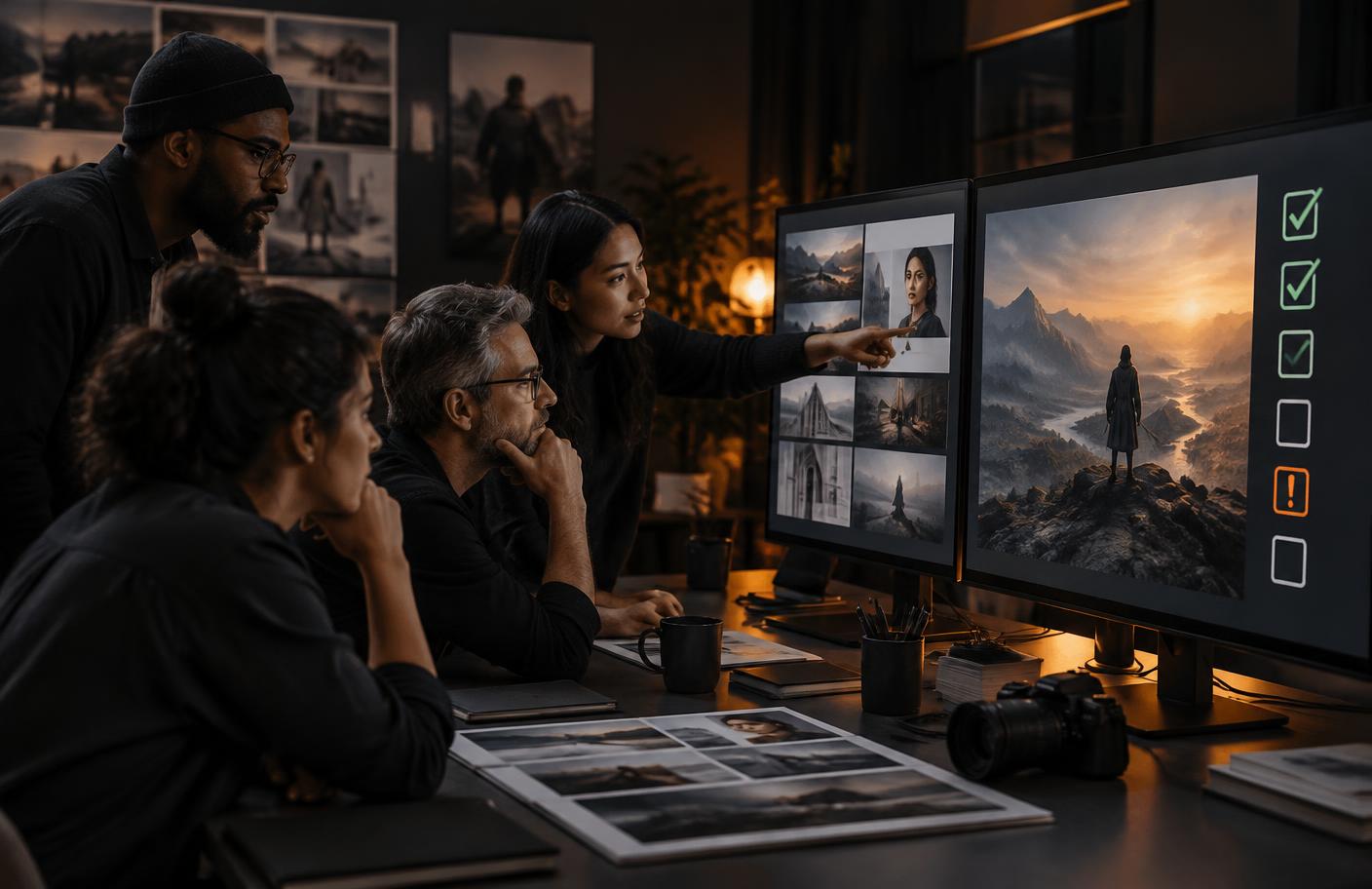
A practical AI image workflow from brief to publication
Start by writing one sentence that defines the job: audience, message, format, and destination. Gather references that you are allowed to use, then separate factual requirements from stylistic preferences. Choose a model suited to the task and produce a small set of deliberately varied directions rather than dozens of nearly identical images.
Select one direction based on the brief. Refine composition and important details with controlled prompt changes or regional editing. Move typography, logos, charts, and precise product features into conventional editing tools where placement and accuracy can be controlled. Run the quality, rights, accessibility, and disclosure checks before export.
Name and archive the final asset with its prompt record, references, editing notes, and publication context. This record supports consistency, corrections, and future reuse. It also makes collaboration easier because another person can see why the image exists and what has already been reviewed.
The best results come from treating AI as one stage in a creative system. Prompting creates possibilities; human direction determines purpose, truthfulness, selection, editing, and accountability. That combination is slower than clicking once, but much faster than repairing a misleading or unusable image after publication.
Frequently asked questions
Do AI image generators copy existing images?
They generate outputs from learned statistical patterns rather than searching a hidden gallery and pasting one stored image. However, questions about training data, close similarity, trademarks, and recognizable characters still require careful review.
What is the best way to generate an AI image?
Define the purpose, write a structured prompt, generate several controlled variations, inspect details at full size, and edit the selected result. The best model depends on whether you need photography, typography, illustration, restoration, or consistency.
Can I use AI-generated images commercially?
Check the tool’s current terms and the rights in any references, brands, characters, or people shown. Commercial permission from a platform does not eliminate every copyright, trademark, privacy, or publicity-right issue.
Should AI-generated images be labeled?
Labeling is especially important when viewers could mistake synthetic media for evidence of a real person, place, product, or event. Requirements also depend on local law, platform policy, and publication context.
Conclusion
AI image generators are easiest to understand as prediction engines inside a human creative workflow. They can explore directions quickly, but they do not supply intent, factual verification, consent, or accountability.
Begin with a clear brief, prompt visible decisions, compare variations, and inspect every important detail. Then add the parts only a responsible publisher can provide: editing, rights checks, accessible descriptions, honest context, and a record of how the work was made.
Sources and further reading
- NIST: Generative Artificial Intelligence Profile
Voluntary cross-sector guidance for identifying and managing generative AI risks.
- U.S. Copyright Office: Copyright and Artificial Intelligence
Official reports on digital replicas, copyrightability, and generative AI training.
- U.S. Copyright Office: Part 2—Copyrightability
January 2025 report on human authorship and AI-assisted output.