AI video production
Text-to-Video AI: A Practical Workflow for Better, More Consistent Results
Move beyond one-shot prompts with a production workflow for planning, generating, reviewing, and editing coherent AI video clips.
Key takeaways
- •Plan AI video as individual shots, not one long prompt. Short clips are easier to direct and edit.
- •A useful prompt states subject, action, environment, camera behavior, lighting, and timing in a clear order.
- •Continuity needs reference frames, repeated descriptions, restrained motion, and human editing.
- •Generated video can look realistic while containing physical, spatial, or factual errors; review frame by frame.
- •Consent, disclosure, provenance, and platform rules are essential when a clip depicts real people or real events.
What text-to-video AI actually does
Text-to-video AI converts a written description into a sequence of generated frames. The request may describe a person walking through a market, a product rotating in a studio, or clouds moving over a landscape. The system must create each frame while also predicting how objects, the camera, light, and background change over time.
That temporal requirement makes video harder than a single image. A frame can look convincing by itself while the complete clip reveals changing faces, melting objects, drifting architecture, or motion that ignores weight and momentum. The system is not simulating the world with complete physical knowledge; it is predicting a visually plausible sequence.
Image-to-video begins with a supplied still and creates motion from it. This gives the first frame a stronger visual anchor and can improve control over character, product, or composition. Text-to-video offers more freedom at the start, while image-to-video is often better when visual identity matters.
Most practical productions combine methods. A creator develops a reference frame, animates it in several short shots, selects the strongest moments, and finishes the sequence in an editor. The generator supplies raw footage; the edit supplies pacing, continuity, sound, captions, and meaning.

Plan the shot before writing the prompt
Begin with the story beat, not the model. What should the viewer understand or feel after this shot? Turn that goal into one visible action. ‘A courier pauses at the station map as the last train leaves’ is more directable than ‘a dramatic futuristic journey.’
Choose shot size and camera position. A wide shot establishes place; a medium shot shows action; a close-up emphasizes detail or emotion. Then choose one primary camera behavior such as locked-off, slow dolly in, lateral tracking, handheld drift, or overhead descent. Multiple competing moves can make the result unstable.
Describe time in a simple sequence: initial state, main action, final state. For a five-second shot, one meaningful action is usually enough. If a character must pick up an object, turn, walk, speak, and enter a vehicle, divide those actions into separate clips and connect them in the edit.
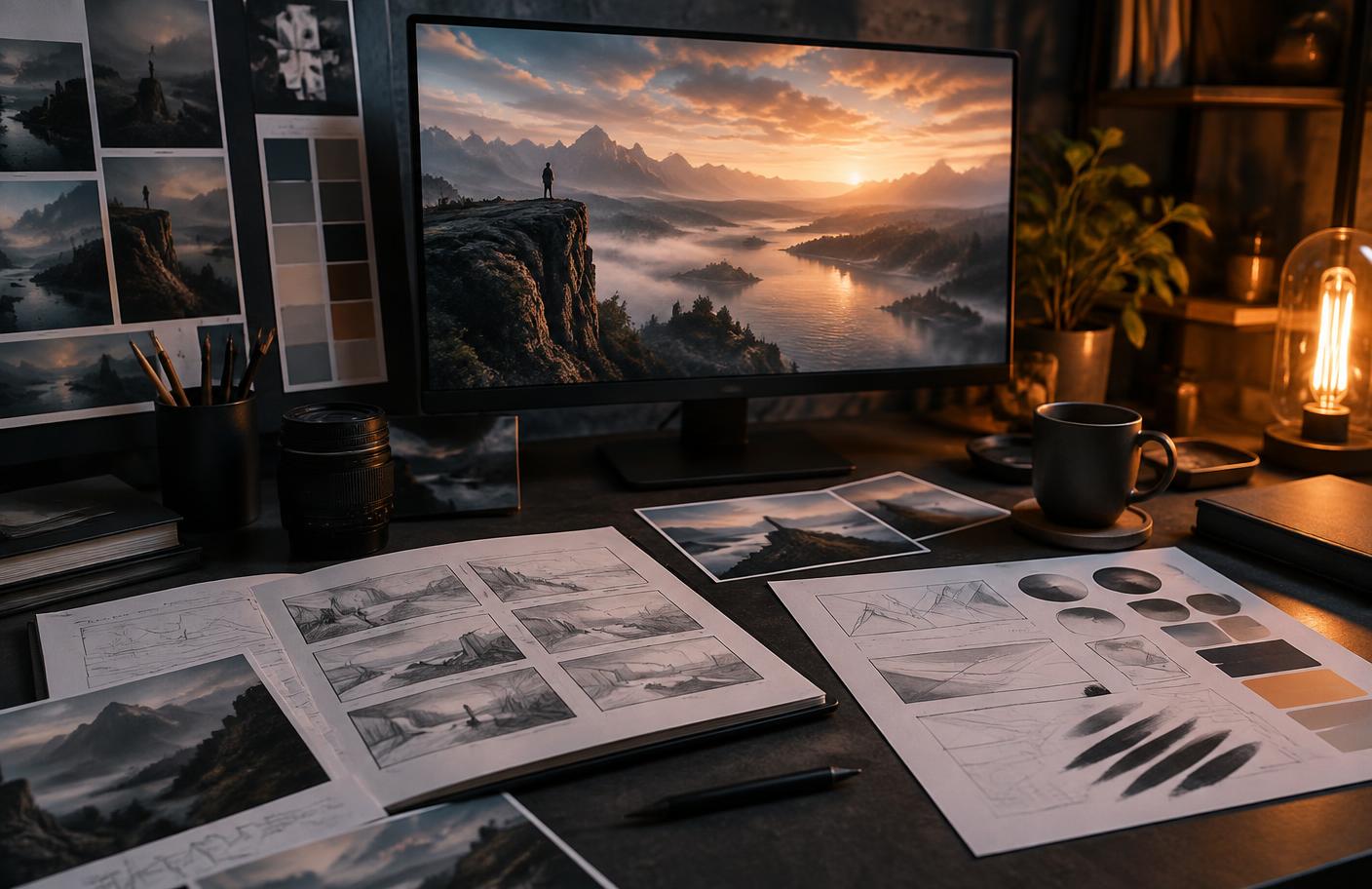
A storyboard does not need polished drawing. Six rectangles with notes about framing, direction of movement, and duration can expose continuity problems before credits are spent. Keep screen direction consistent: if a person exits to the right, the next shot should generally preserve that travel direction unless the edit intentionally resets geography.
A compact shot brief
- •Purpose: the one idea or emotion the shot must communicate.
- •Subject: appearance, clothing, material, and stable identifying details.
- •Action: one clear movement that can complete within the clip.
- •Camera: shot size, angle, lens feel, and one camera move.
- •Environment: place, time, weather, light, and important background behavior.
- •Duration and endpoint: where the movement begins and where the final frame should settle.
Write text-to-video prompts for movement, not decoration
A video prompt should describe what changes. Start with the subject and action, then the environment, camera, lighting, and temporal qualities. For example: ‘Red electric bicycle moves steadily through a wet city intersection at dawn; low side-tracking camera matches its speed; tire spray catches soft amber streetlight; realistic commercial film, five-second continuous shot.’
Verbs matter. ‘Stands’ and ‘looks cinematic’ leave motion unclear. ‘Turns toward the doorway,’ ‘fabric lifts in a light crosswind,’ and ‘camera slowly cranes upward’ provide visible changes. Keep movements compatible. A locked camera cannot also orbit the subject, and a macro shot cannot simultaneously reveal an entire skyline without a transition.
Use style terms to support the communication goal. Documentary, product commercial, stop motion, archival film, and 3D animation imply different texture and movement. Avoid chains of fashionable labels that do not explain the shot. A shorter coherent prompt is easier to revise than a dense paragraph with twenty aesthetic demands.
If the tool offers negative prompting, target frequent failures such as camera shake, morphing, duplicated limbs, flickering text, or sudden scene changes. But first simplify the positive action. Many unstable outputs come from asking too much to happen in too little time.
Generate a small batch and log the settings. Compare motion readability, identity, background stability, and usable start and end frames. Do not choose only by the most spectacular moment; choose the clip that survives the whole duration and can connect to adjacent shots.
Maintain character, product, and scene continuity
Continuity is the central production challenge. Repeat a concise identity description across prompts: age range, hair, clothing, key accessory, and color palette. Use the same reference image where the tool supports it. Do not rewrite the character with synonyms in every shot because those changes can shift the model’s interpretation.
Products need even stricter control. Generated logos, interfaces, labels, and mechanical features can drift. Create clean reference views, use motion that does not hide critical details, and plan to composite exact branding or typography afterward. If the product must be an accurate record, conventional 3D or photography may be the safer production method.
Carry visual anchors between shots: a distinctive doorway, orange jacket, blue practical light, or camera height. Reuse the final frame of one clip as the starting reference for the next when possible. This does not guarantee continuity, but it gives the model stronger evidence than text alone.
Sound creates continuity even when visuals vary. Room tone, music, narration, and motivated effects can bridge cuts. Generate visuals without depending on model-created speech unless lip synchronization is a tested requirement. Record or synthesize approved narration separately, then add captions for accessibility.
Editing hides weak transitions. Cut on movement, insert a close-up, use a reaction shot, or shorten a clip before identity drift becomes visible. The aim is not to prove that one model generated a perfect scene. The aim is to make a coherent video for the audience.
Review every AI video clip like an editor
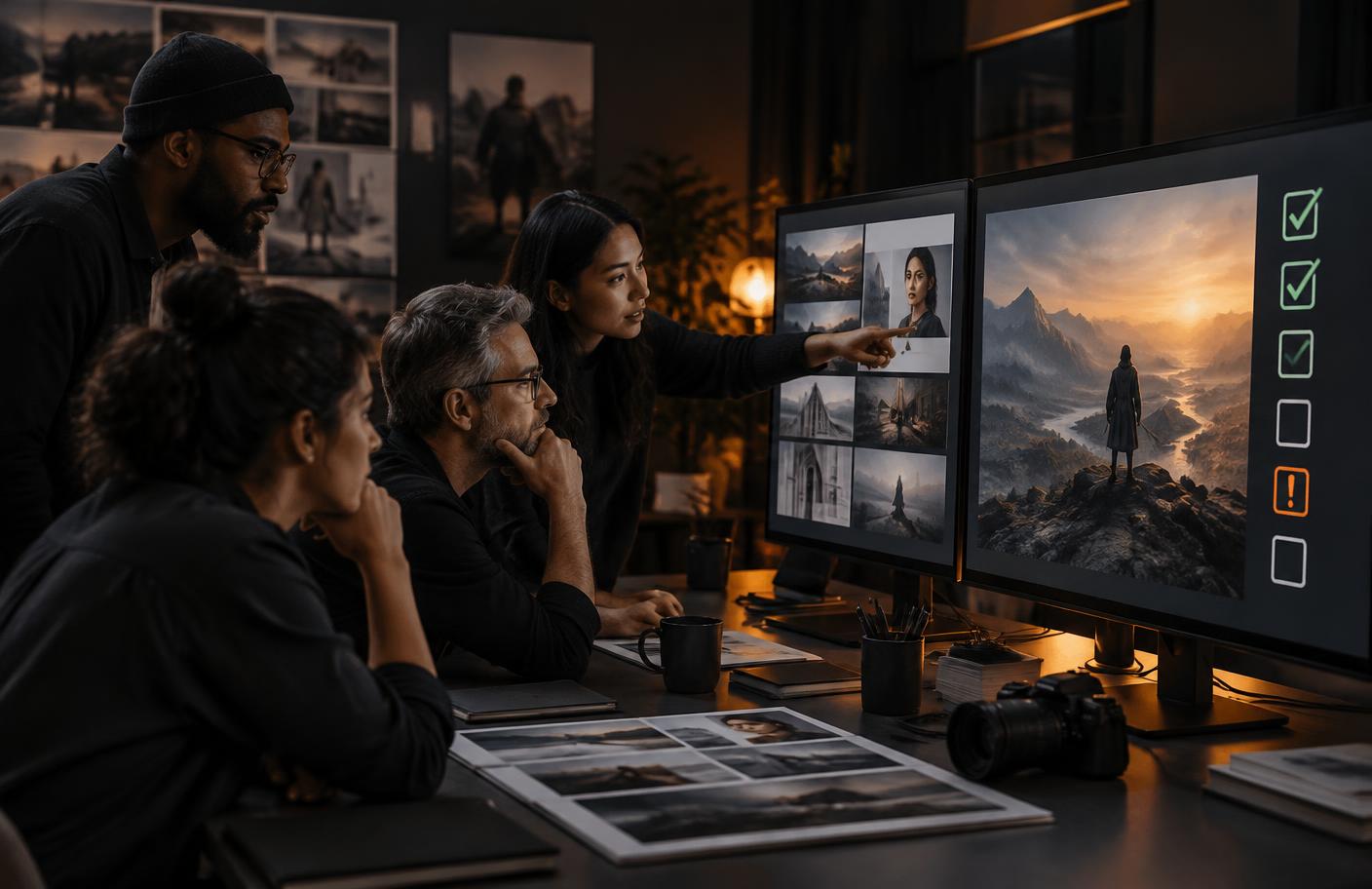
Watch once at normal speed for story and emotion. Then watch frame by frame for hands, faces, object permanence, reflections, contact with the ground, background movement, and sudden texture changes. Check the first and final frames because transitions often expose visual discontinuity there.
Ask whether motion has a believable cause. Does clothing react to the same wind as nearby plants? Does a wheel rotate in the direction of travel? Does a shadow move with its object? An audience may not name the error, but inconsistent cues can make the result feel artificial or distracting.
Review factual context separately from visual quality. A generated demonstration cannot prove that a real product performs an action. A synthetic reconstruction cannot be presented as footage of a real event. Use captions and surrounding copy that accurately state what the viewer is seeing.
Complete the edit with deliberate pacing, color consistency, sound levels, captions, and export settings. Remove weak seconds rather than preserving the model’s complete output. Verify commercial music, voice, likeness, stock, and reference-image rights before publication.
Test the final video without sound and at mobile size. The main action should remain understandable, captions should fit, and important detail should not sit beneath interface controls. Export a poster frame with descriptive alt text or an accessible written summary where the platform supports it.
Clip approval checklist
- •The subject remains recognizable for the full usable duration.
- •Movement, contact, shadows, and reflections are internally consistent.
- •No generated text, logo, product feature, or factual detail is presented as accurate without checking.
- •People are depicted with appropriate permission and context.
- •The caption clearly identifies a concept, reconstruction, or synthetic scene when viewers could be misled.
- •Captions, contrast, pacing, and a text alternative support accessibility.
Consent, disclosure, and responsible publication
Synthetic video can create risks that a beautiful frame does not reveal. A real person’s face or voice may involve consent, privacy, publicity rights, platform rules, or laws that differ by location. Obtain appropriate permission and avoid depicting a person saying or doing something they did not do, especially in political, sexual, financial, health, or reputational contexts.
NIST’s Generative AI Profile identifies risks involving information integrity, privacy, bias, intellectual property, and harmful misuse. A practical response is to increase safeguards with consequence. A fictional product mood film needs normal creative review; a realistic emergency, public figure, or medical demonstration needs strong verification, labeling, and often a non-generative approach.
Keep provenance records: prompt, model, date, reference assets, consent, edits, and final destination. Use content credentials or platform provenance features when available, but do not assume technical metadata will always remain attached after downloading, editing, or reposting.
Disclosure should appear where viewers encounter the claim. A buried policy page is not enough for a clip that could be mistaken for documentary footage. Use direct language such as ‘AI-generated concept video’ or ‘synthetic reconstruction; not original footage.’
Responsible work also means rejecting a generation. If the only way to achieve a concept requires unapproved likeness, deceptive evidence, or private source material, change the idea. Production speed is not a reason to lower the standard applied to conventional media.
An end-to-end text-to-video AI workflow
Write the audience, message, length, format, and channel. Break the idea into shots, each with one action. Create or choose approved references and define stable identity details. Test a low-cost representative shot before committing to the full sequence.
Generate variations with logged settings. Approve clips against continuity and accuracy checks, not novelty. Build a rough edit early so missing transitions become visible. Generate only the pickups the edit actually needs, then add real typography, narration, music, effects, and captions.
Run a final rights and disclosure review, export for the target platform, and archive the project record. Measure whether viewers understand the message. The successful workflow is not the one with the longest prompt; it is the one that turns controlled shots into a clear, honest, accessible story.
Frequently asked questions
How do I create an AI video from text?
Write a short shot brief with one subject, one action, the environment, camera behavior, lighting, and duration. Generate several variations, review frame by frame, and assemble selected clips in an editor with sound and captions.
What is the difference between text-to-video and image-to-video AI?
Text-to-video creates the visual starting point from language. Image-to-video begins from a supplied still, which generally offers more control over the first frame, character, product, palette, and composition.
Why do AI video characters change between shots?
Each generation predicts a new sequence and may interpret identity details differently. Consistent references, repeated descriptions, shorter clips, restrained motion, and careful editing reduce—but do not eliminate—drift.
Should AI-generated video be disclosed?
Use clear disclosure whenever viewers could reasonably mistake synthetic media for real footage, testimony, a product demonstration, or an event. Follow applicable laws and platform policies as well.
Conclusion
Text-to-video AI works best as a shot generator inside a conventional production process. Planning, references, selection, editing, sound, and review turn uncertain clips into a coherent sequence.
Keep the brief simple, the motion visible, and the claims honest. The technology can accelerate experimentation, but people remain responsible for continuity, consent, accuracy, accessibility, and the final story.
Sources and further reading
- NIST: Generative Artificial Intelligence Profile
A voluntary framework companion covering generative AI risks and risk-management actions.
- U.S. Copyright Office: Copyright and Artificial Intelligence
Official reports and policy material addressing AI, digital replicas, and copyright.